

Your multi-tool to run your SaaS business.
Run your SaaS
like an
investor's watching.
- Know My SaaS connects to the tools you already use.
- The more you connect, the fuller KAI's picture gets.
- KAI reads them the way a technical co-founder would.
- Open your dashboard and see, right now, what's working, what's broken, and what to fix next.
THE PROBLEM
What's really happening in your SaaS business?
Can you clearly answer these — right now, without opening five dashboards?
- What is actually working right now?
- Where are users dropping off?
- Whats quietly costing me revenue?
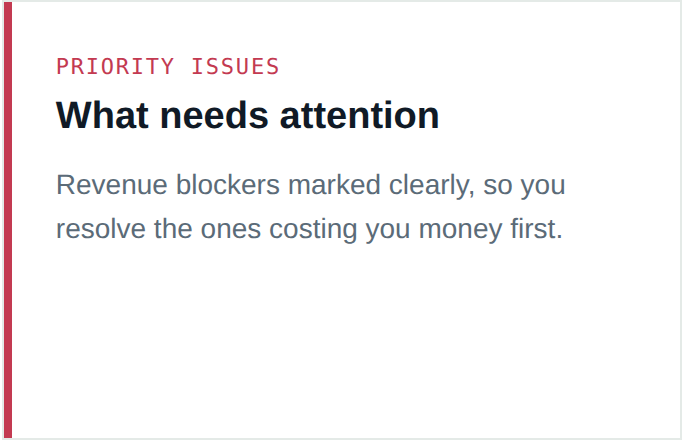
- Which problems genuinely need my attention?
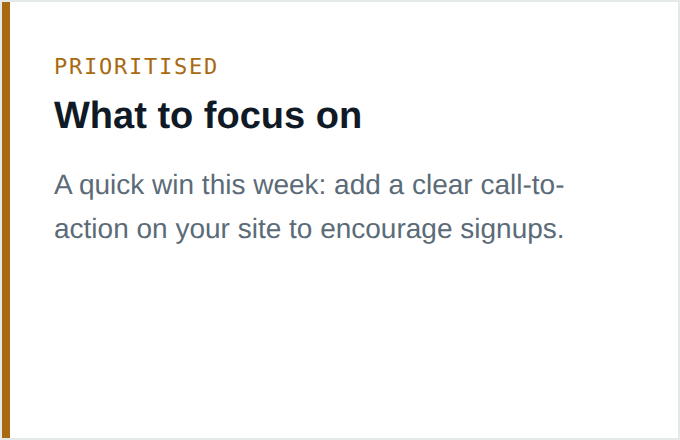
- What should i focus on this week?
MEET KAI
The co-founder who actually
reads the data.
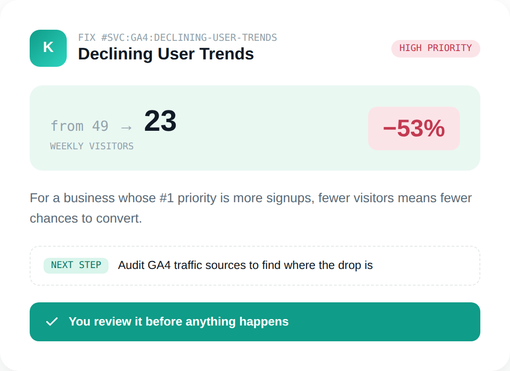
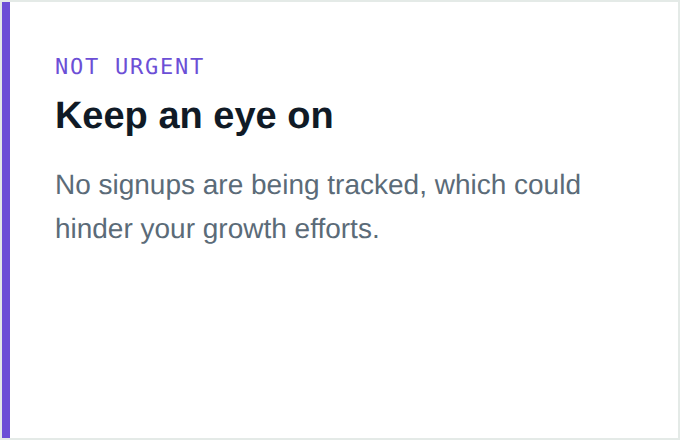
KAI sits on top of the tools you already have, reading them together the way a technical co-founder would. Log in and your dashboard already knows: what needs attention, what's a revenue blocker, what's an opportunity, and what's just a positive signal worth noting.
KAI never guesses and never acts without you. Everything it finds, drafts, or recommends comes to you first.
You approve. Then it's done. Every time.
WHAT KAI ACTUALLY WRITES
Not a flag.
A finished draft.
Open Fix It on any issue and choose the output KAI should create.


You never get a vague "something's off." You get the thing you'd have had to write yourself — already written, waiting for your review.
ASK KAI
Talk to your business
like it's a co-founder.
Ask anything — KAI answers using your live business data, gives you a straight recommendation, and ends with a next step you can act on.
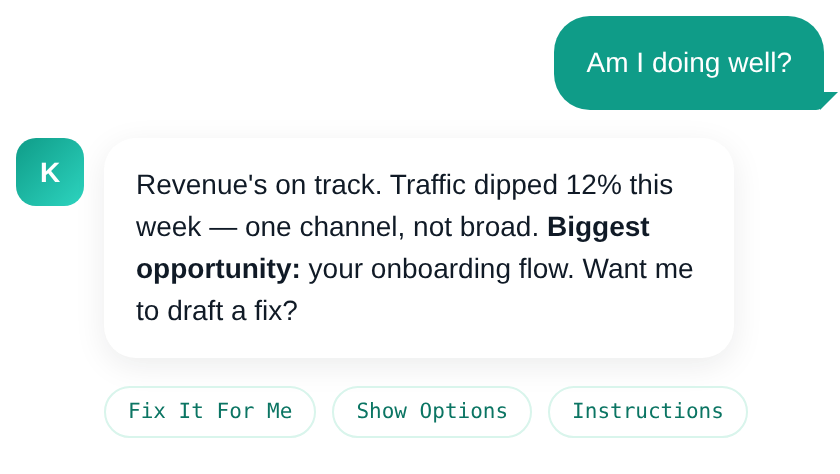
Ask anything about your SaaS
"Am I doing well?" "What's the biggest opportunity this week?" "Where am I losing signups?" — ask in plain English and get a straight answer back.
Live business context
KAI reads your connected data before it answers — not a generic script. Every response is grounded in what's actually happening.
Every answer is an action
Turn it into a Fix It workspace, compare the strongest paths, or generate assignable next steps — instantly.
HOW IT WORKS
3 steps. Zero tech headaches.
We built this for founders who want to understand their stack without becoming engineers.

Connect your tools
Link the platforms you already use. Read-only, always — nothing is changed or deleted.
Understand your SaaS
Open your dashboard and see what's working, what needs attention, and what matters most.
Fix what matters next
Use guided Fix It actions, review your options, or send clear instructions to your team.
FIX IT
Don't stop at "there's a problem." Fix it.
When KAI flags an issue, you choose how to move — three distinct modes, one rule underneath all of them: you approve before anything sends.
Fix It For Me
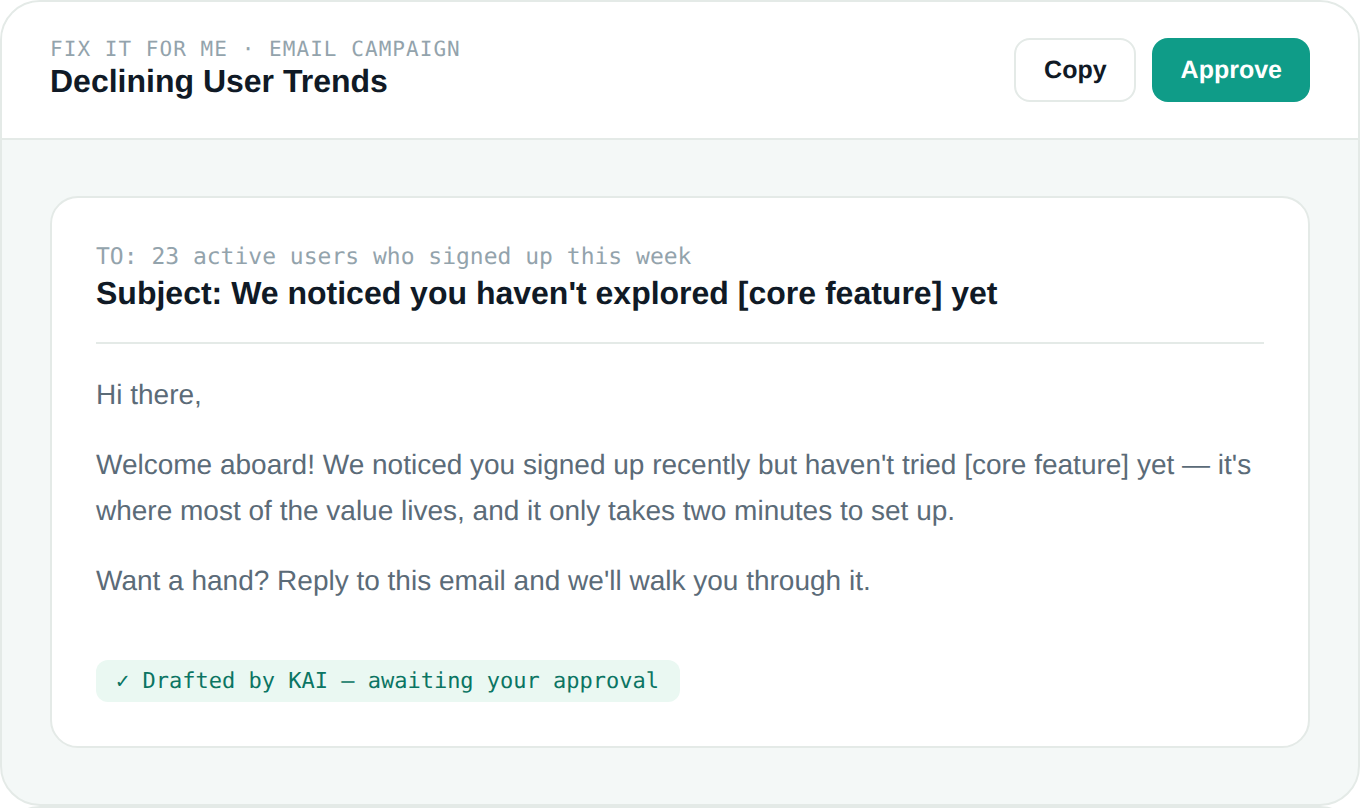
KAI drafts the actual output — the email, the ad, the dev ticket, the blog post. You review it before anything happens.
DRAFT → APPROVE → SEND
Give Me Instructions
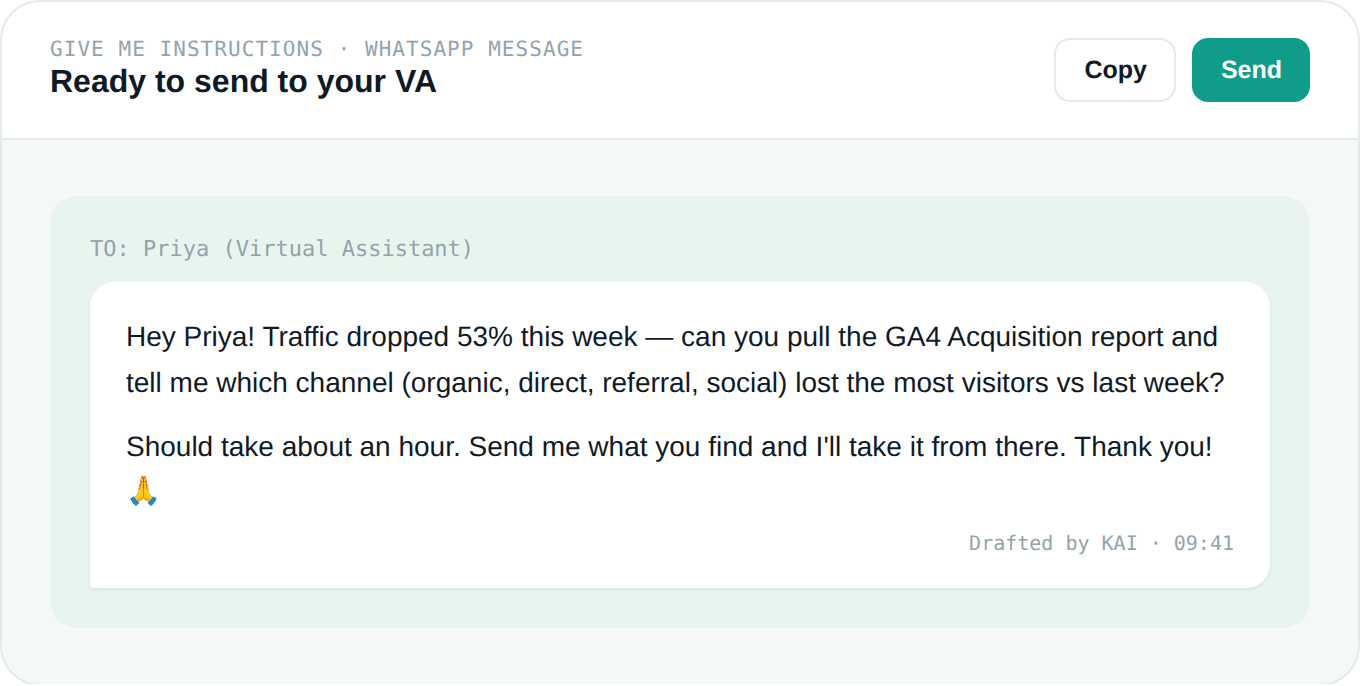
Get a clear, ready-to-send task in the format your team actually uses — Jira, WhatsApp, an agency brief, a founder checklist.
NO RE-EXPLAINING NEEDED
Show Me My Options
KAI reads your connected data before it answers — not a generic script. Every response is grounded in what's actually happening.
YOU DECIDE, NOT KAI
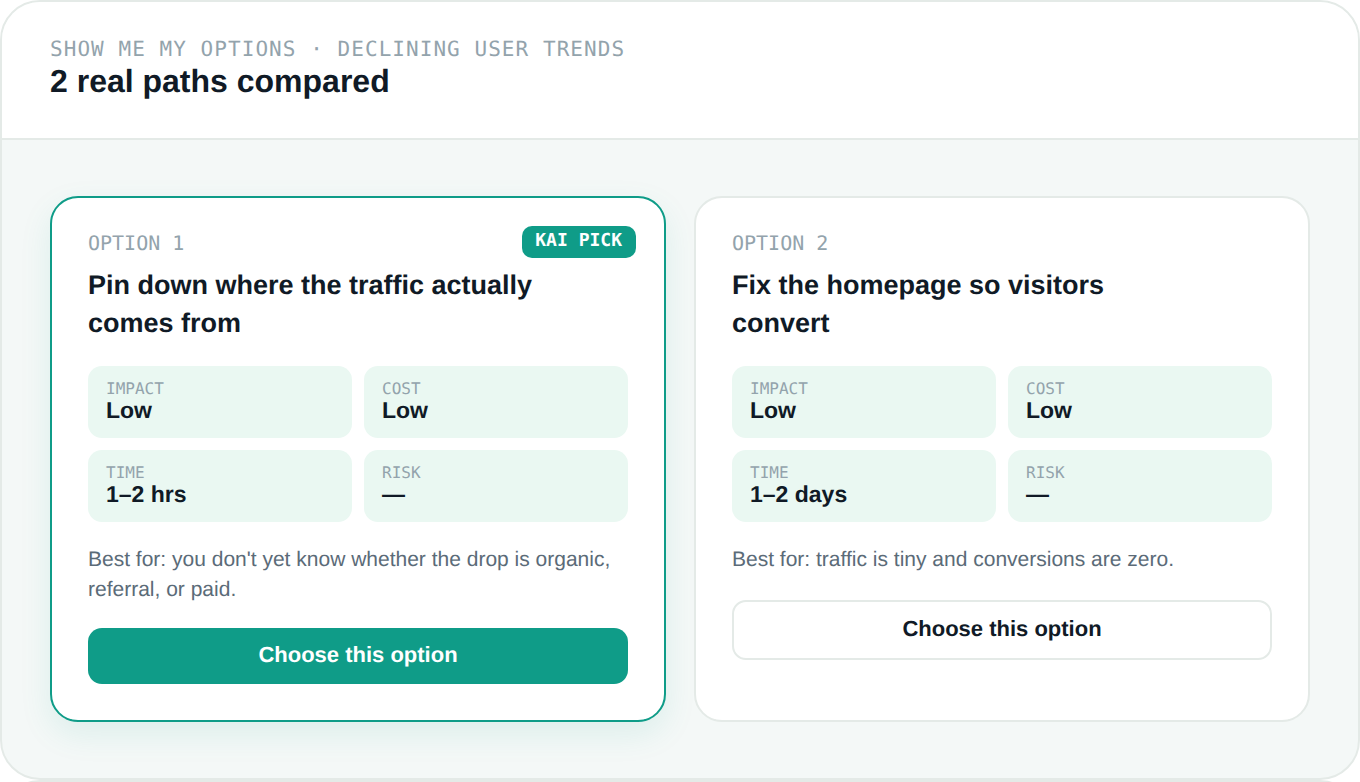
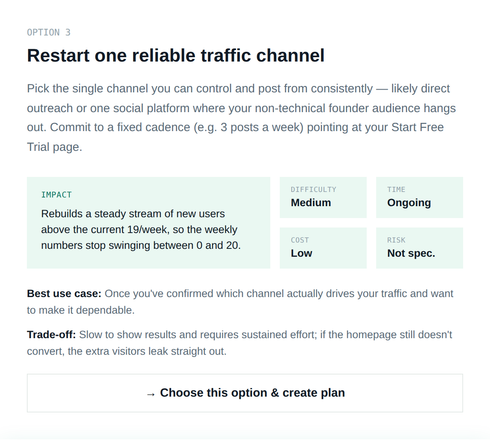
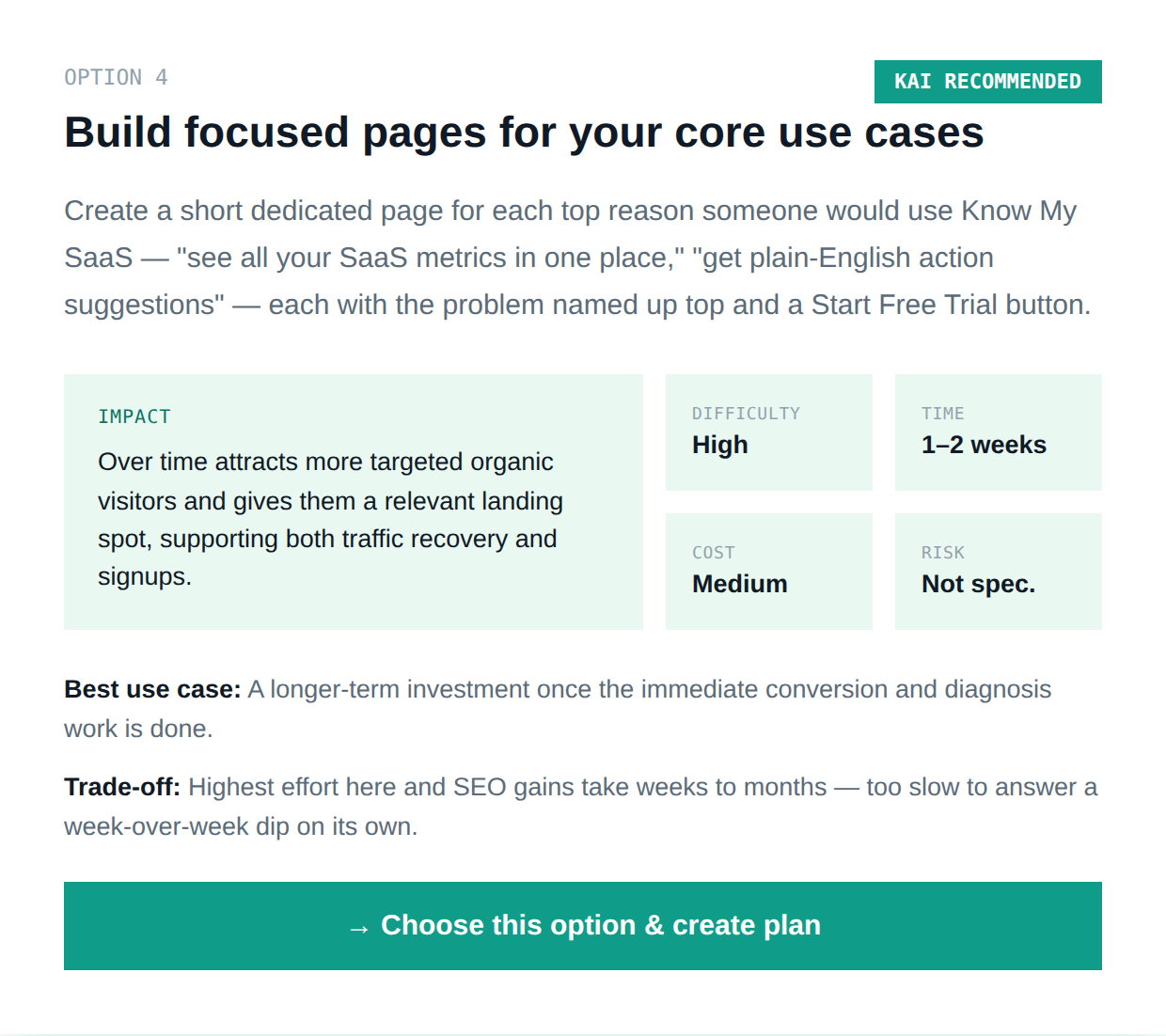
Ask Kai
Give Me Instructions
Get a clear, ready-to-send task in the format your team actually uses
- Developer task
- WhatsApp message
- Jira task
- Agency brief
- Marketing brief
- Founder checklist
- Virtual assistant task

YOUR DASHBOARD
Log in and know exactly where you stand.
Open your dashboard and see, right now, what's working, what's broken, and what to fix next. Not once a week. Whenever you need to know.



YOUR ENTIRE BUSINESS
Your Entire Business
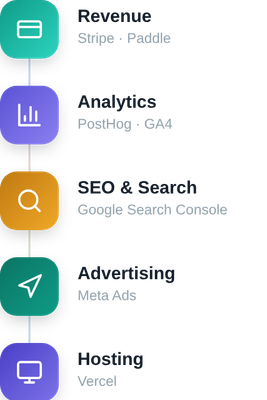
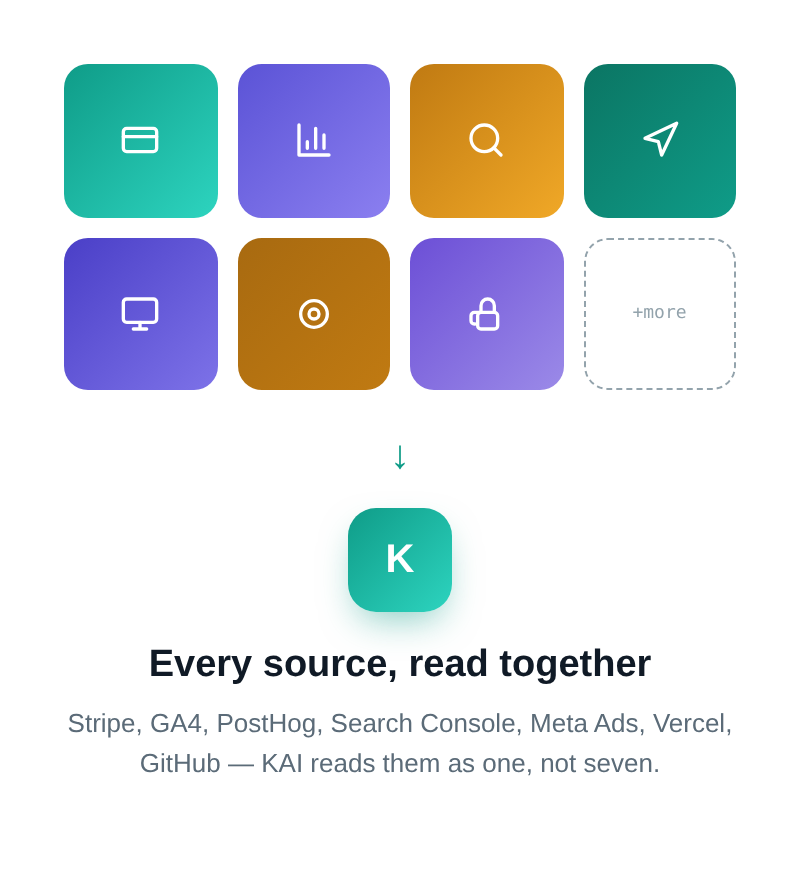
Connect what you use — the more you connect, the fuller KAI's picture gets. Nothing is changed or deleted; every connection is read-only. Auto posting coming soon
Why Founders
Love it.
Less overwhelm. Better decisions. Faster action.
“I know what is happening.”
Stop wondering whether something is quietly broken, underperforming or costing you money.
“I know what matters first.”
See the issues and opportunities that deserve your attention instead of reacting to every notification.
“I know what to ask my developer.”
Get clear questions, tasks and follow-ups without pretending to be technical.
“I can actually do something about it.”
Move from understanding the problem to taking the next action.
Connect your tools
Connect your tools yourself or use our onboarding service and we will help set everything up for you.

