
How can a non-technical SaaS founder understand their Stripe, GA4 and PostHog data?
How can a non-technical SaaS founder understand their Stripe, GA4 and PostHog data?
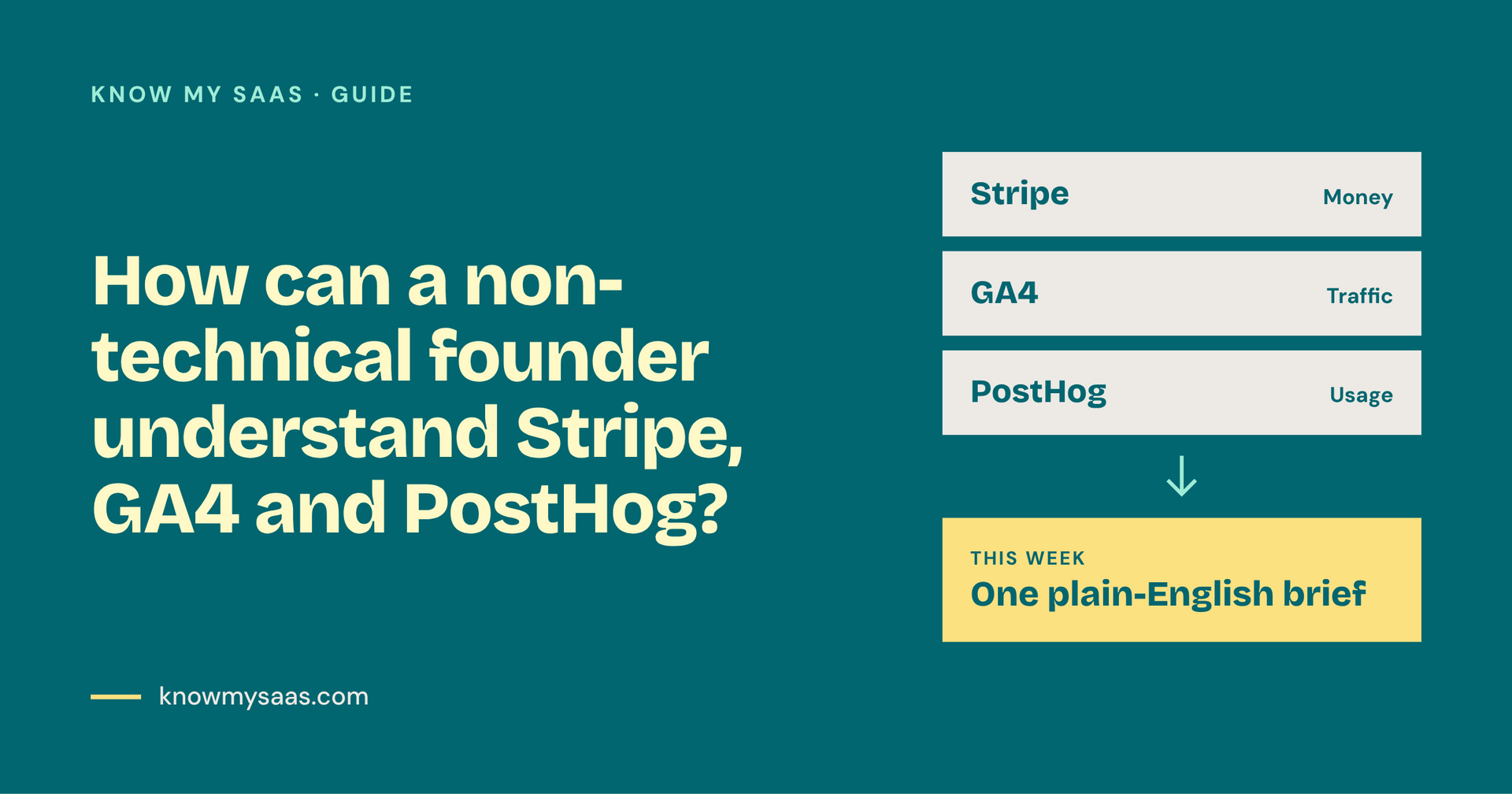
A plain-English guide for non-technical SaaS founders on what Stripe, GA4 and PostHog each tell you, and how to turn all three into weekly decisions.
The short answer: A non-technical founder doesn't need to master every dashboard. You need to know which single question each tool answers, check a handful of numbers each week, and look for where those numbers disagree. Stripe tells you about money, GA4 tells you where visitors come from, and PostHog tells you what users do inside your product.
Why this feels so hard
Most SaaS tools are built for data teams. Stripe, Google Analytics 4 and PostHog each show hundreds of charts, and none of them talk to each other. So you end up with three tabs open and no clear answer to the only question that matters: is my business healthier than last week, and what should I do about it?
What each tool actually tells you
Tool
The question it answers
The 3 numbers to check weekly
Stripe
Am I making more money?
MRR, new subscriptions, cancellations
GA4
Where are my visitors coming from?
Visitors by channel, sign-up page visits, sign-up conversion rate
PostHog
What do users do once they're in?
Activation rate, weekly active users, drop-off in onboarding
How to connect the dots
The insight is almost never in one tool. It's in the gap between them. Here are three examples:
- GA4 traffic is up, but Stripe sign-ups are flat. Your marketing is working, but your landing page or pricing page isn't converting.
- Stripe sign-ups are up, but PostHog activation is down. You're attracting the wrong people, or onboarding has broken.
- PostHog usage is healthy, but Stripe cancellations are rising. People like the product but don't see enough value to keep paying. Look at pricing, or at a missing feature.
A 15-minute weekly routine
- Open Stripe and write down MRR, new subscriptions and cancellations.
- Open GA4 and note your top traffic channel and the sign-up conversion rate.
- Open PostHog and check how many new users reached your "aha" moment.
- Ask: which number moved most, and which tool explains why?
- Pick one action for the week, and only one.
Or let a tool do the translation
This is exactly why I built Know My SaaS. It connects to Stripe, GA4 and PostHog and gives you a plain-English brief: what changed, why, and what to do next. Its AI, Kai, drafts any fixes, and nothing goes out until you approve it.
FAQ
Do I need to learn SQL to understand my SaaS data? No. Stripe, GA4 and PostHog all have built-in dashboards, and tools like Know My SaaS summarise them in plain English.
Which tool should a non-technical founder set up first? Stripe, because revenue is the truth. Then GA4 for traffic, then PostHog once you have users to watch.
How often should I check my metrics? Weekly is enough for most early-stage SaaS businesses. Daily checking tends to create noise and panic.
What's the difference between GA4 and PostHog? GA4 tracks visitors to your website. PostHog tracks what logged-in users do inside your product.

